
Introduction
Data Recovery Software provides a practical way to restore important files that have been accidentally deleted, lost, formatted, or affected by system problems. Losing photos, documents, videos, or other files can be stressful, especially when they contain important personal or business information. Modern recovery tools are designed to scan storage devices, identify recoverable files, and help users restore them without complicated technical procedures.
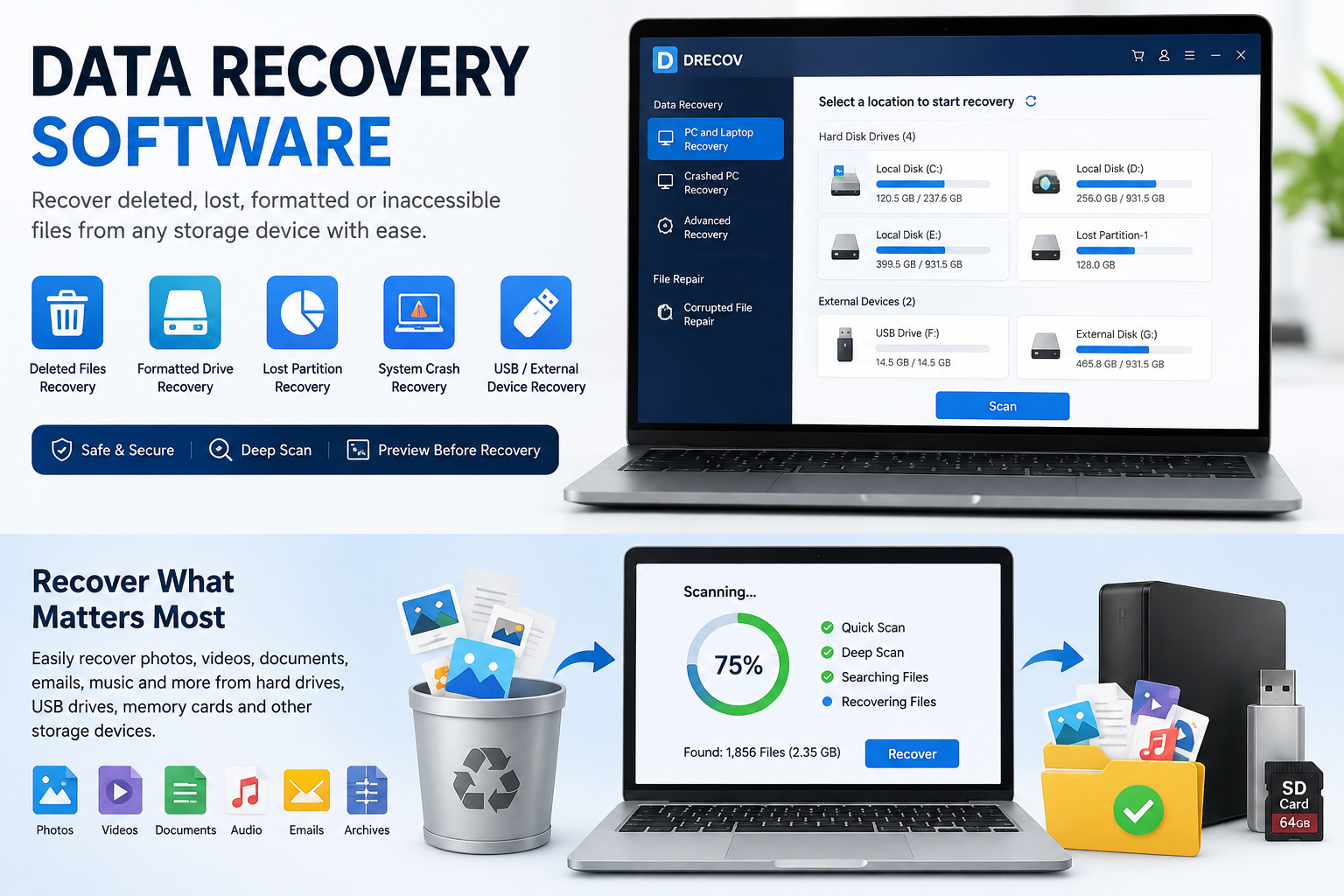
Drecov is an all-in-one Windows data recovery solution designed to make file restoration simple and accessible. It supports different storage devices and a wide range of file formats, making it useful for many common data-loss situations.
What Is Data Recovery Software?
Data Recovery Software is a specialized application that searches storage devices for files that are no longer easily accessible through the normal file system. Depending on the situation, recovery software can help retrieve deleted files, recover information from formatted drives, and restore data from inaccessible partitions.
Drecov supports Windows PCs and laptops and can recover data from devices such as internal and external HDDs and SSDs, USB drives, memory cards, and other supported storage media.
Key Features
One important advantage of modern Data Recovery Software is the range of tools available for different recovery situations. Drecov includes quick and deep scanning options to locate lost files. Users can also preview recoverable files before restoring them, which helps them identify the correct data.
The software also includes file-repair capabilities for certain damaged photos, videos, and documents. According to the product page, it supports more than 3,000 file formats, covering photos, videos, documents, audio files, archives, emails, and other file types.
Common Data Loss Situations
Files can disappear for many reasons. Data Recovery Software can be useful when data is lost because of:
- Accidental deletion.
- An emptied Recycle Bin.
- Drive formatting.
- Lost or inaccessible partitions.
- System or software crashes.
- Unexpected computer shutdowns.
- Certain virus-related incidents.
- Damaged or corrupted storage devices.
Drecov specifically lists support for deleted-file recovery, Recycle Bin recovery, formatted-file recovery, lost-partition recovery, crash-related recovery, and unsaved file recovery.
How Drecov Recovers Lost Data
The recovery process is designed to be straightforward. First, users select the storage location they want to scan. Next, Drecov scans the selected location to search for lost or deleted files. Finally, users can preview the available files and recover the ones they need.
This simple three-step process makes the software suitable for users who may not have advanced technical knowledge.
File Repair and Recovery
Data loss is not always caused by deletion. Files can also become corrupted and stop opening correctly. Drecov provides repair tools for selected photos, videos, and documents. The page highlights support for damaged JPEG, JPG, PNG, and GIF images, MP4 and MOV videos, and several document formats, including DOC, DOCX, XLS, XLSX, PDF, and PPTX.
Why Choose Data Recovery Software?
Using Data Recovery Software can save time when important files become inaccessible. Instead of manually searching through storage devices, users can use scanning tools to locate potentially recoverable data. Preview features also help users determine which files they want to restore.
However, recovery success can depend on factors such as the storage device, the cause of data loss, and whether lost data has been overwritten.
Conclusion
Data Recovery Software offers a convenient solution for recovering deleted, lost, formatted, or inaccessible files. Drecov provides scanning, file preview, recovery, and selected file-repair features for Windows users. Its support for multiple storage devices and thousands of file formats makes it a versatile option for common data-loss situations. When important files disappear, using a reliable recovery tool promptly can improve the opportunity to locate and restore the required data.
For more updates, visit SHINBIR MARKETER