
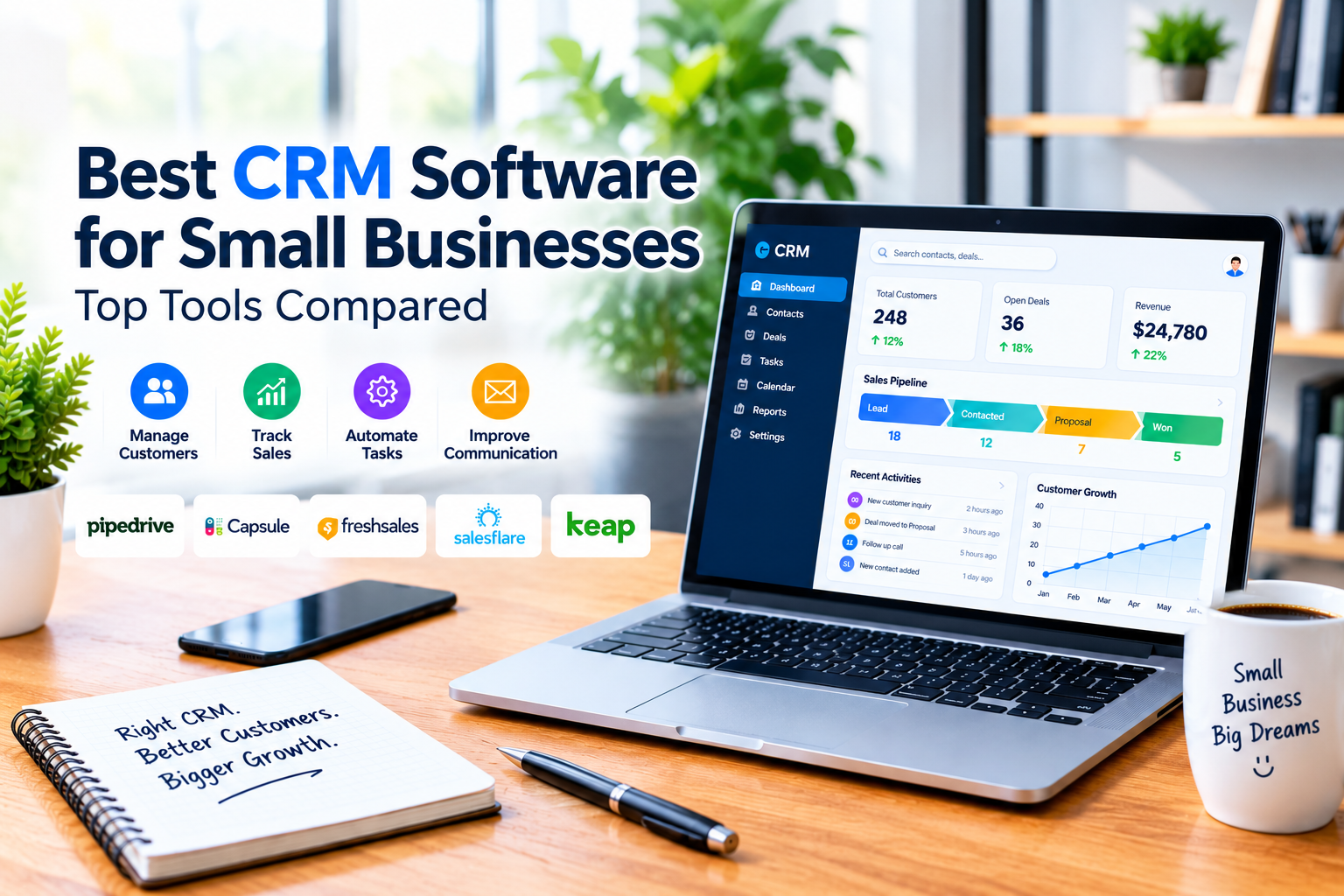
Choosing the right CRM software can make a major difference in how a small business manages leads, customers, sales activities, and follow-ups. Instead of keeping customer information across spreadsheets, emails, notes, and different apps, a CRM can bring important information into one organized system.
However, not every CRM is designed for the same type of business. Some platforms focus on simple contact management, while others provide advanced sales automation, reporting, marketing tools, and workflow management.
In this guide, we compare five CRM platforms—Pipedrive, Capsule CRM, Freshsales, Salesflare, and Keap—to help small businesses understand what each tool does best and which type of business may benefit from it.
Quick Comparison
| CRM Software | Best For | Key Strength | Ease of Use |
|---|---|---|---|
| Pipedrive | Sales-focused businesses | Visual sales pipeline | Excellent |
| Capsule CRM | Small teams | Simple CRM and contact management | Excellent |
| Freshsales | Sales teams | Automation and sales intelligence | Very Good |
| Salesflare | B2B businesses | Automated customer data | Very Good |
| Keap | Small businesses needing automation | CRM + sales and marketing automation | Good |
What Is CRM Software?
CRM stands for Customer Relationship Management. CRM software helps businesses organize customer and prospect information, track interactions, manage sales opportunities, and maintain relationships throughout the customer journey.
Modern CRM systems can connect customer data with sales, marketing, and service activities. Microsoft explains CRM as a way to connect customer-related information and business processes across areas such as sales and customer service. You can learn more from Microsoft’s CRM and Dynamics 365 resources.
For a small business, the main benefit is organization. Instead of asking who contacted a customer, what was discussed, or when the next follow-up is due, the information can be stored and managed in one central system.
Common CRM Features
Although features differ between platforms, most CRM software provides some combination of the following:
- Contact management: Store customer and prospect information.
- Lead management: Track potential customers from initial contact to conversion.
- Sales pipelines: Monitor deals through different sales stages.
- Task and follow-up management: Schedule calls, emails, meetings, and other activities.
- Email integration: Connect business communication with customer records.
- Reporting: Measure sales activity, conversions, revenue, and other performance indicators.
- Automation: Reduce repetitive administrative tasks.
- Integrations: Connect the CRM with email, calendars, accounting, marketing, and other business tools.
The exact combination of features depends on the CRM and the plan you choose.
Why Do Small Businesses Need CRM Software?
Small businesses often have fewer employees and fewer resources than larger organizations. That makes it especially important to avoid spending too much time searching for customer information or manually updating multiple systems.
A CRM can help a small business:
- Keep customer information organized
- Track leads and sales opportunities
- Reduce missed follow-ups
- Create a clearer sales process
- Monitor customer communication
- Improve team collaboration
- Understand which sales activities are producing results
CRM software can also support broader marketing and lead-generation activities. For additional ideas on attracting and converting customers, see Effective Marketing Strategies for Small Businesses.
Benefits of CRM Software for Small Businesses
1. Better Customer Organization
A CRM provides a central place to store customer names, contact details, conversations, deals, notes, and follow-up activities.
This can be particularly useful when several employees communicate with the same customers.
2. Improved Follow-Up
Many potential sales are lost because businesses fail to follow up at the right time.
CRM tools can help teams remember upcoming tasks, meetings, calls, and other sales activities.
3. More Efficient Sales Management
Instead of relying on spreadsheets, sales teams can use pipelines to see which deals are new, active, pending, or close to completion.
This makes it easier to understand the current state of the sales process.
4. Better Customer Relationships
CRM software is not only about closing sales. It can also help businesses maintain consistent communication after a customer has made a purchase.
Understanding customer needs and maintaining good follow-up can contribute to stronger customer relationships. For more information on this topic, see The Importance of Customer Satisfaction in Marketing.
1. Pipedrive: Best for Visual Sales Pipeline Management
Pipedrive is a CRM designed with sales teams and sales pipeline management in mind.
Its visual pipeline allows users to see deals according to their current sales stage. This can make it easier for sales representatives to understand which opportunities need attention and where prospects are in the buying process.
Key Features
- Visual sales pipelines
- Lead and deal management
- Sales activity tracking
- Email and communication tools
- Workflow automation
- Reporting and analytics
- Business integrations
Best For
Pipedrive can be a strong option for small businesses that have a defined sales process and want a CRM centered around managing deals.
Considerations
Businesses that need extensive marketing automation or a broader all-in-one business platform may want to compare Pipedrive with tools that offer more functionality outside sales management.
2. Capsule CRM: Best for Simple Customer Management
Capsule CRM focuses on keeping customer relationship management relatively simple.
It provides contact management, sales pipelines, tasks, communication history, and integrations while avoiding some of the complexity associated with larger CRM platforms.
Capsule can be particularly suitable for small teams that want to organize customer information without implementing a complicated system.
Key Features
- Contact management
- Sales pipelines
- Tasks and follow-ups
- Customer history
- Email integration
- Reporting
- Third-party integrations
Best For
Capsule is worth considering for small businesses that prioritize simplicity and straightforward customer management.
Considerations
Businesses that require advanced sales automation, extensive customization, or complex marketing workflows may need a more feature-rich CRM.
3. Freshsales: Best for Sales Teams That Need Automation
Freshsales is part of Freshworks’ CRM offering and focuses heavily on sales management, automation, customer information, and sales intelligence.
Freshsales can help sales teams organize contacts and deals while automating parts of their sales workflow.
Key Features
- Contact and account management
- Deal pipelines
- Sales automation
- Email and communication tracking
- Reporting
- Sales intelligence
- Integrations
Best For
Freshsales can be a good fit for growing sales teams that want more automation than a basic contact-management system provides.
Considerations
Because it offers a broader range of sales features, businesses with very simple requirements may find a simpler CRM easier to manage.
4. Salesflare: Best for Small and Medium-Sized B2B Sales Teams
Salesflare is a CRM particularly focused on B2B sales.
One of its main advantages is reducing the amount of manual data entry required from sales teams. It can collect and organize customer information from connected communication and other business activities.
Key Features
- Automated customer data collection
- Email and calendar integration
- Contact management
- Sales pipeline management
- Follow-up tracking
- Reporting
- Business integrations
Best For
Salesflare is particularly relevant for B2B companies that want to spend less time manually updating CRM records and more time managing customer relationships.
Considerations
Businesses focused mainly on simple contact management may not need all of its automation capabilities.
5. Keap: Best for CRM and Business Automation
Keap combines CRM functionality with sales and marketing automation.
Instead of using a CRM only to track contacts and deals, businesses can use Keap to automate parts of the customer journey, including follow-ups, lead management, appointments, and other processes.
Key Features
- CRM and contact management
- Sales pipeline management
- Marketing automation
- Follow-up automation
- Appointment management
- Payments
- Email marketing
- Reporting and integrations
Best For
Keap can be useful for small businesses that want CRM functionality combined with broader sales and marketing automation.
Considerations
Businesses that only need a simple sales pipeline may prefer a more focused CRM such as Pipedrive or Capsule.
CRM Software Comparison
| Feature | Pipedrive | Capsule | Freshsales | Salesflare | Keap |
|---|---|---|---|---|---|
| Contact Management | Yes | Yes | Yes | Yes | Yes |
| Sales Pipeline | Yes | Yes | Yes | Yes | Yes |
| Sales Automation | Yes | Limited/Plan-dependent | Yes | Yes | Yes |
| Marketing Automation | Limited | Limited | Available | Limited | Strong |
| B2B Focus | Strong | General | Strong | Strong | General |
| Ease of Use | Excellent | Excellent | Very Good | Very Good | Good |
| Best For | Sales pipelines | Simple CRM | Sales automation | B2B sales | Business automation |
Feature availability, limits, and pricing can change by plan, region, and product version, so businesses should check the provider’s current documentation before making a purchasing decision.
Pipedrive vs Capsule vs Freshsales vs Salesflare vs Keap
The best choice depends on what the business actually needs.
Choose Pipedrive if your priority is visual sales pipeline management and a sales-focused CRM.
Choose Capsule if you want a straightforward CRM for organizing customers, contacts, tasks, and sales opportunities.
Choose Freshsales if your sales team wants automation and additional sales intelligence features.
Choose Salesflare if you operate a B2B business and want to reduce manual CRM data entry.
Choose Keap if you want CRM functionality combined with sales and marketing automation.
Instead of choosing the CRM with the largest feature list, focus on the features your business will actually use.
How to Choose the Best CRM Software for a Small Business
Before selecting a CRM, consider the following questions.
1. How Many People Will Use It?
A CRM for a solo business owner may not need the same capabilities as a platform used by a 20-person sales team.
Check user limits, permissions, and pricing before choosing a plan.
2. What Is Your Sales Process?
If your business depends heavily on sales pipelines, choose a CRM with strong deal and pipeline management.
If customer retention and communication are more important, prioritize contact management and customer history.
3. Do You Need Automation?
Automation can save time, but more automation can also mean more configuration.
Make sure the CRM’s automation features solve actual business problems rather than adding unnecessary complexity.
4. What Integrations Do You Need?
Check whether the CRM works with the tools you already use, such as:
- Calendar
- Accounting software
- Marketing platforms
- Customer support systems
- Communication tools
- E-commerce platforms
5. How Much Can You Spend?
Don’t compare only the starting monthly price.
Consider:
- Number of users
- Monthly vs annual billing
- Premium features
- Additional contacts
- Automation limits
- Integrations
- Setup and training costs
A CRM that appears inexpensive may become more expensive as the business grows.
When Does a Small Business Actually Need a CRM?
Not every small business needs a sophisticated CRM immediately.
A simple spreadsheet may be enough when a business has only a small number of customers and a straightforward sales process.
A CRM becomes more valuable when:
- Leads are increasing
- Follow-ups are being missed
- Multiple employees handle customers
- Sales opportunities are becoming difficult to track
- Customer information is spread across different tools
- Management needs sales reports
- The business wants to automate repetitive tasks
The goal is not simply to use CRM software. The goal is to create a more organized and repeatable customer-management process.
CRM Implementation Tips for Small Businesses
Choosing a CRM is only the first step. Successful implementation also requires a clear process.
Start With the Data You Actually Need
Avoid importing unnecessary information. Begin with essential customer details, sales opportunities, communication history, and follow-up tasks.
Define Your Sales Stages
Create sales stages that reflect how your business actually sells.
For example:
New Lead → Qualified → Proposal → Negotiation → Won/Lost
Your stages may be different, but they should be clear enough for everyone on the team to understand.
Create Follow-Up Rules
Decide when leads should be contacted, who owns each opportunity, and what happens after a customer responds.
Train the Team
Even a powerful CRM will provide limited value if employees do not use it consistently.
Keep the process simple and make sure everyone understands the basic workflow.
Review CRM Performance
After implementation, monitor whether the CRM is actually improving your sales process.
Useful indicators include:
- Lead response time
- Conversion rate
- Number of active opportunities
- Sales cycle length
- Follow-up completion
- Revenue generated from leads
CRM Data Security and Privacy
CRM systems can contain valuable business and customer information, so security should be part of the selection process.
Small businesses should consider features and practices such as:
- Multi-factor authentication
- Strong passwords
- Role-based access
- Data encryption
- Regular software updates
- Backups
- Vendor security
- Data retention and deletion policies
The National Institute of Standards and Technology (NIST) Small Business Cybersecurity guidance provides a practical cybersecurity framework designed specifically for very small businesses.
The Federal Trade Commission’s Cybersecurity for Small Business guidance also recommends measures such as multi-factor authentication, access controls, encryption, regular backups, software updates, and attention to third-party vendor security.
When comparing CRM providers, review their security documentation and understand how customer data is stored, accessed, processed, and protected.
Frequently Asked Questions
What is the best CRM for a small business?
There is no single CRM that is best for every small business. Pipedrive may be suitable for sales-focused teams, Capsule for simple customer management, Freshsales for sales automation, Salesflare for B2B businesses, and Keap for businesses that want CRM and marketing automation together.
Is CRM software worth it for a small business?
It can be, particularly when a business has multiple leads, customers, sales opportunities, or employees who need to share customer information.
Can a small business use a free CRM?
Yes. Some CRM providers offer free plans or free trials, although free plans often have limitations on users, contacts, features, or storage.
How much does CRM software cost?
CRM pricing varies significantly by provider, plan, billing cycle, and number of users. Businesses should compare the total cost of the plan they actually need rather than relying only on the lowest advertised starting price.
Is CRM difficult to use?
Some CRM platforms are designed to be very simple, while others provide advanced customization and automation. Small businesses should prioritize ease of use if they have limited time or technical resources.
What is the difference between CRM and marketing automation?
CRM software primarily organizes customer and sales information and helps manage relationships. Marketing automation focuses more on automatically delivering and managing marketing activities such as email campaigns, lead nurturing, and customer journeys. Some platforms combine both capabilities.
Final Thoughts
The best CRM software for a small business depends on its sales process, team size, budget, and need for automation.
Pipedrive is a strong choice for visual sales pipeline management. Capsule CRM focuses on simple customer and sales management. Freshsales provides sales automation and intelligence features. Salesflare is particularly relevant for B2B sales teams that want automated customer data collection. Keap is designed for businesses that want CRM combined with broader sales and marketing automation.
Before choosing a platform, identify your actual business requirements, compare the features available on the relevant plans, and consider how easily the CRM can grow with your business.
A CRM should make customer management easier—not create another complicated system that your team avoids using.


2 Responses